Customizer
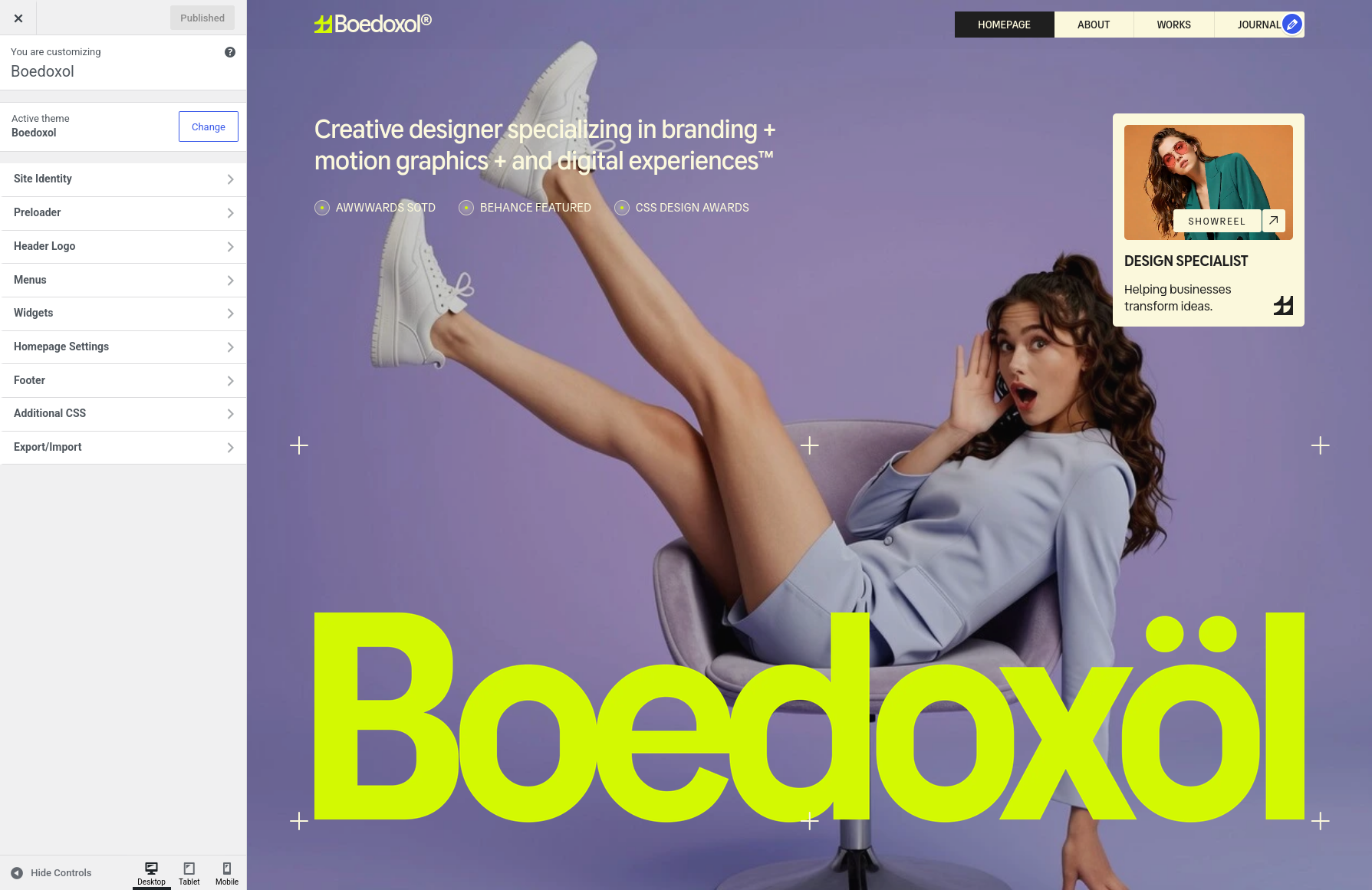
Navigate to Appearance → Customize to access the following sections:
Preloader
Configure the preloader shown while the site loads.
- Preloader Visibility: Choose Show or Hide the preloader.
- Loader Images: Repeater. Add one or more loader images for the first load preloader. Recommended size 405x720px.
- Preloader Title: Title shown on the first load preloader.
- Preloader Text: Text shown under the preloader title.
- Returning Visitor Preloader Image: Image shown for returning visitors. If empty, the default SVG is shown.
- Returning Visitor Preloader Text: Text shown for returning visitors.
Color Scheme
Adjust the site colors and color scheme.
- Accent Color: Default
#d4f902. - Light Primary: Default
#fbf8dc. - Dark Primary: Default
#1f1f1f. - Dark Secondary: Default
#151515. - Very Dark: Default
#0f0f0f.
Note: These color schemes are used on every page. In Elementor widgets, colors might need to be changed manually in the Elementor editor > Style tab.
Header Logo
Configure the logo in the header.
- Header Logo Image: Recommended size 200x200px (square ratio).
- Header Logo Text: Text shown as the logo.
- Header Logo Height: Height of the header logo image in pixels (20–200).
Footer
Configure the footer.
- Big Title: Large title shown at the top of the footer.
- Footer Description: Short description text.
- Footer Phone: Phone number shown in the footer.
- Footer Email: Email address shown in the footer.
- Footer Email Hover Text: Text that replaces the email on hover.
- Copyright Text: Copyright line at the bottom of the footer.
- Footer Avatar: Small avatar image shown in the footer.
- Footer Created By: Credit text at the bottom of the footer.
- Social Icons: Repeater. Each icon has an icon text, an icon (from the Phosphor icon list) and a social link.
Additionally, the WordPress built-in sections are available: Site Identity (site title, tagline, favicon) and Additional CSS (custom CSS).
Each setting typically includes explanations for better understanding.